Playing Goanna
Goanna is an alternative Luanti client. You use the same account, servers, games and worlds as with Luanti's own client. A server does not need to know about Goanna for ordinary play.
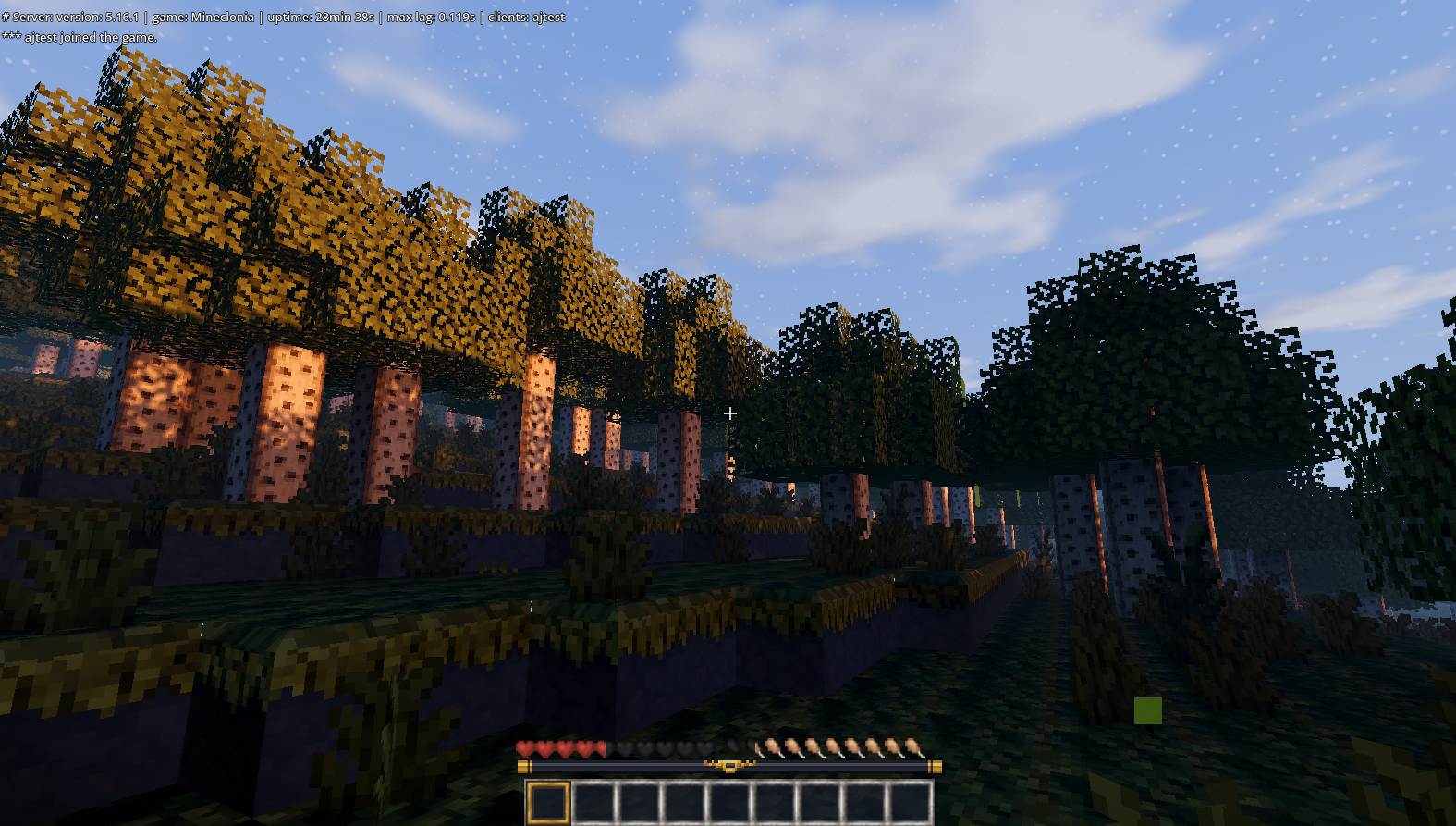
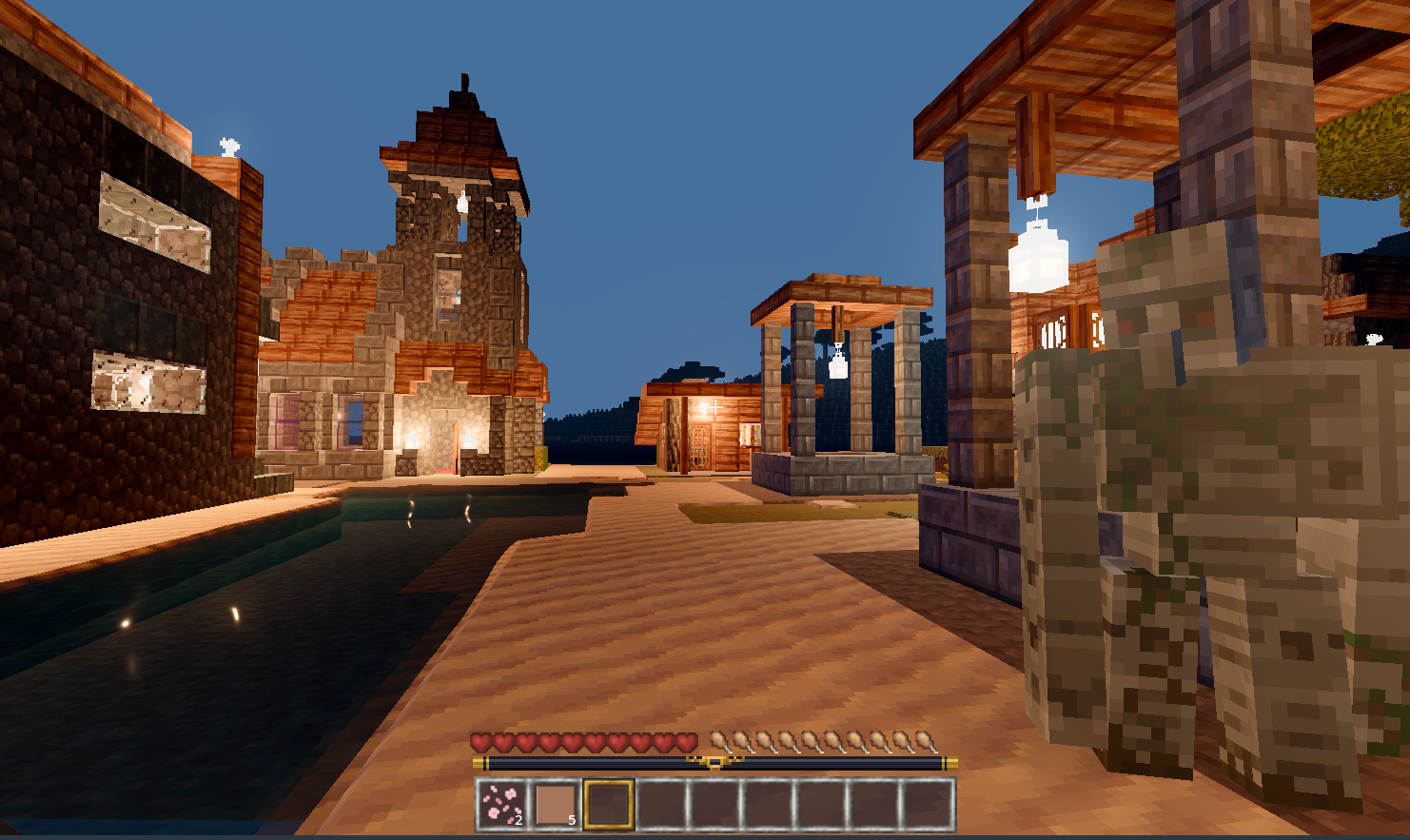
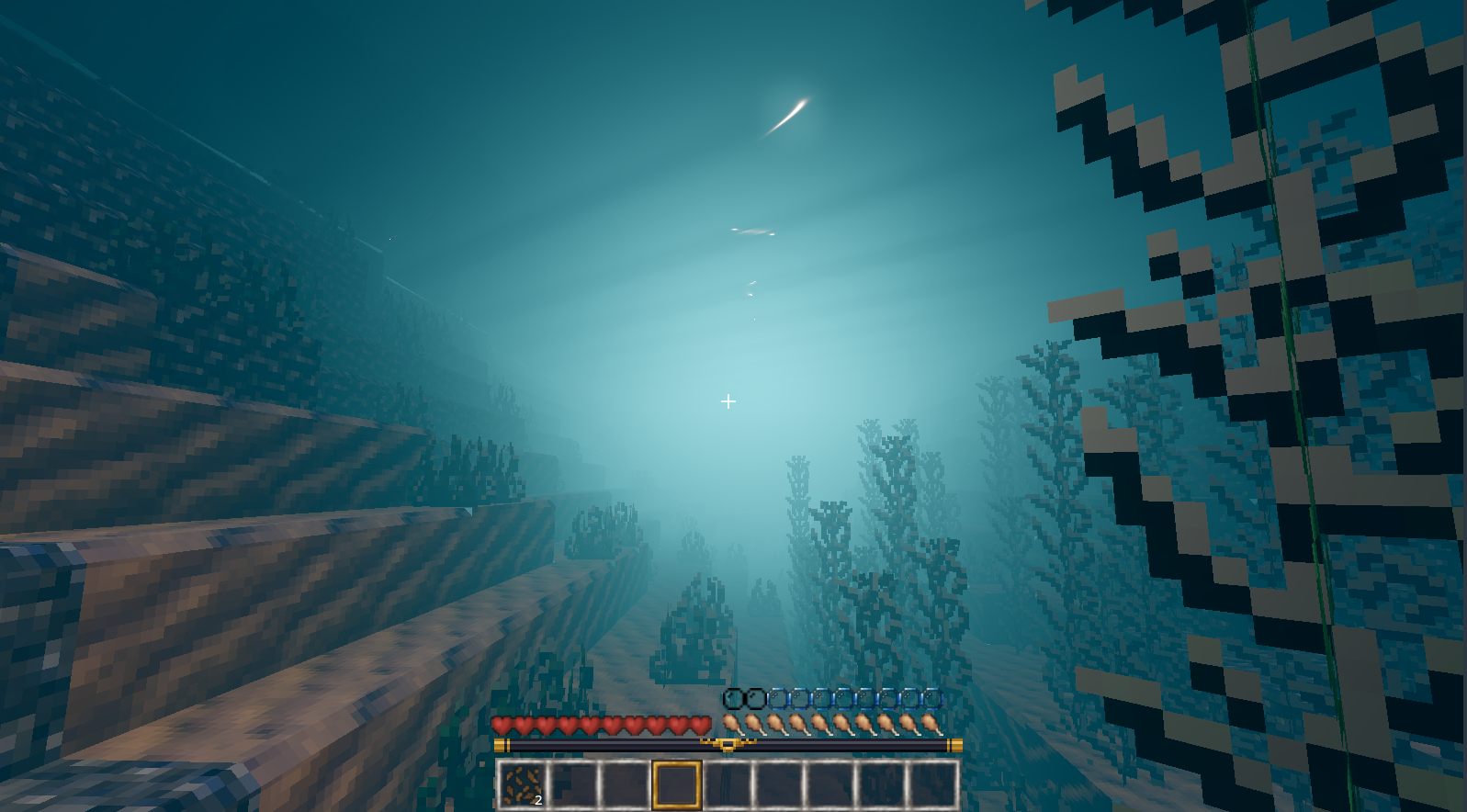
What it looks like
These are representative Goanna renders from the current development build. They are illustrative rather than a promise that every server, shader pack or GPU will produce identical results.
Where to start
- Installing Goanna: what it needs, how it finds or installs Luanti and a game, and how it keeps itself up to date.
- Starting and joining: new worlds, Terrain Diffusion worlds, joining a server and the enhanced materials.
- Controls, and game controllers.
- Settings: graphics quality, the interface style and the rendering options.
- Accessibility: reading aloud, the keyboard and voice typing.
- Local multiplayer: splitscreen on one machine.
- System requirements: what hardware it wants, measured.
- Release notes: what changed in each version.
Current limitations
The project is alpha quality. Known gaps include some dropped-item models, animated inventory icons, parts of particle behaviour, connected textures and the long tail of game-specific formspec and drawtype behaviour. Shader-pack support currently covers the screen-space composite/final path, not the full world gbuffers pipeline. Controller support is untested on real hardware.
When reporting a problem, include the game and server, whether it is a new or existing world, your view/far distances, the performance overlay and a screenshot if the issue is visual.